MISSION 01PRECISION
More Precision
For competitive play and fast editsArena 75 RGBVelo X MouseCampo XL Mat
Estimated setup€187
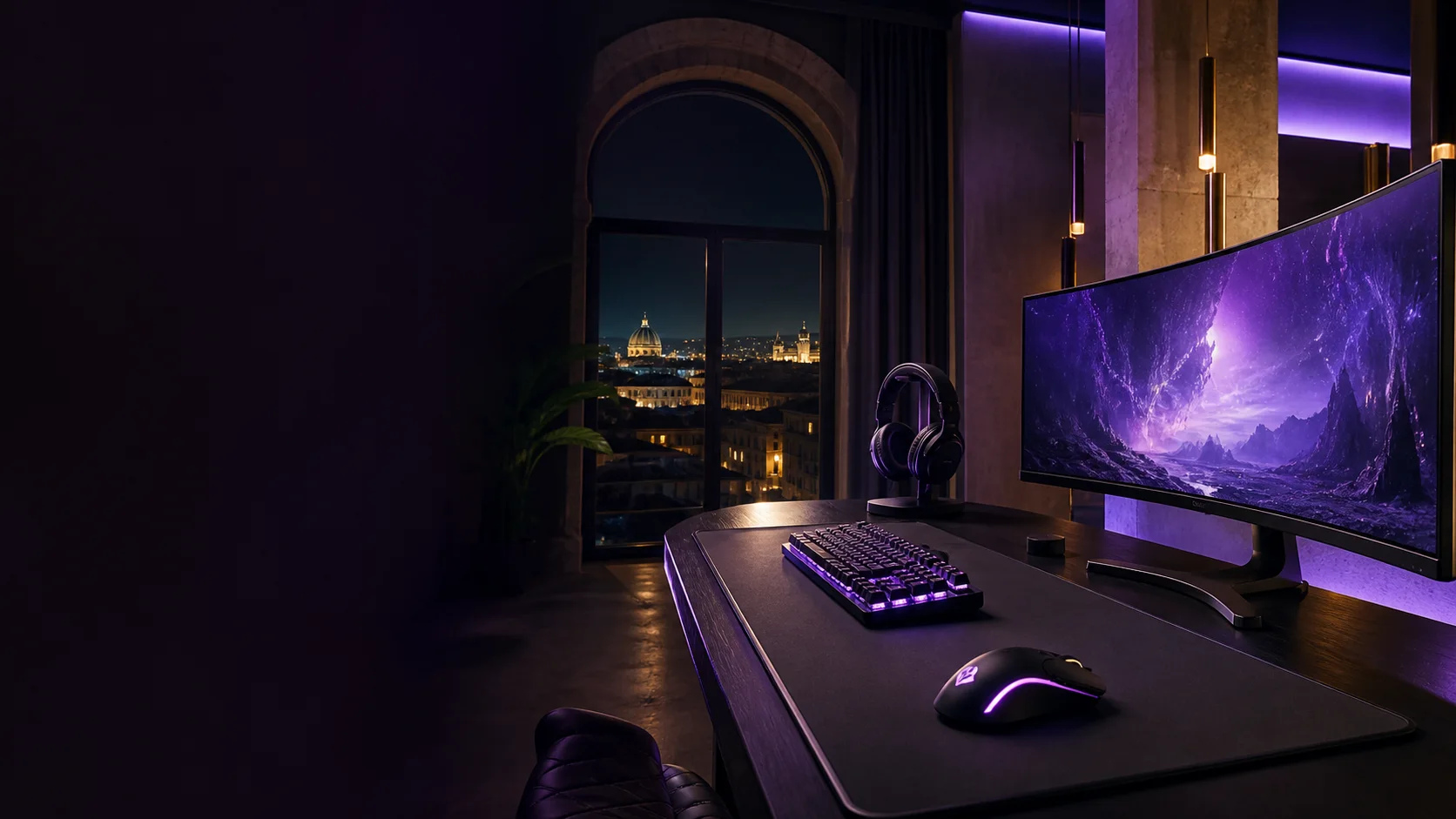
Streamer desk control room
Responsive controls, precise tracking, and light that gives the room energy without stealing focus. Start with the devices your hands touch most.
02 / Signal flow builder
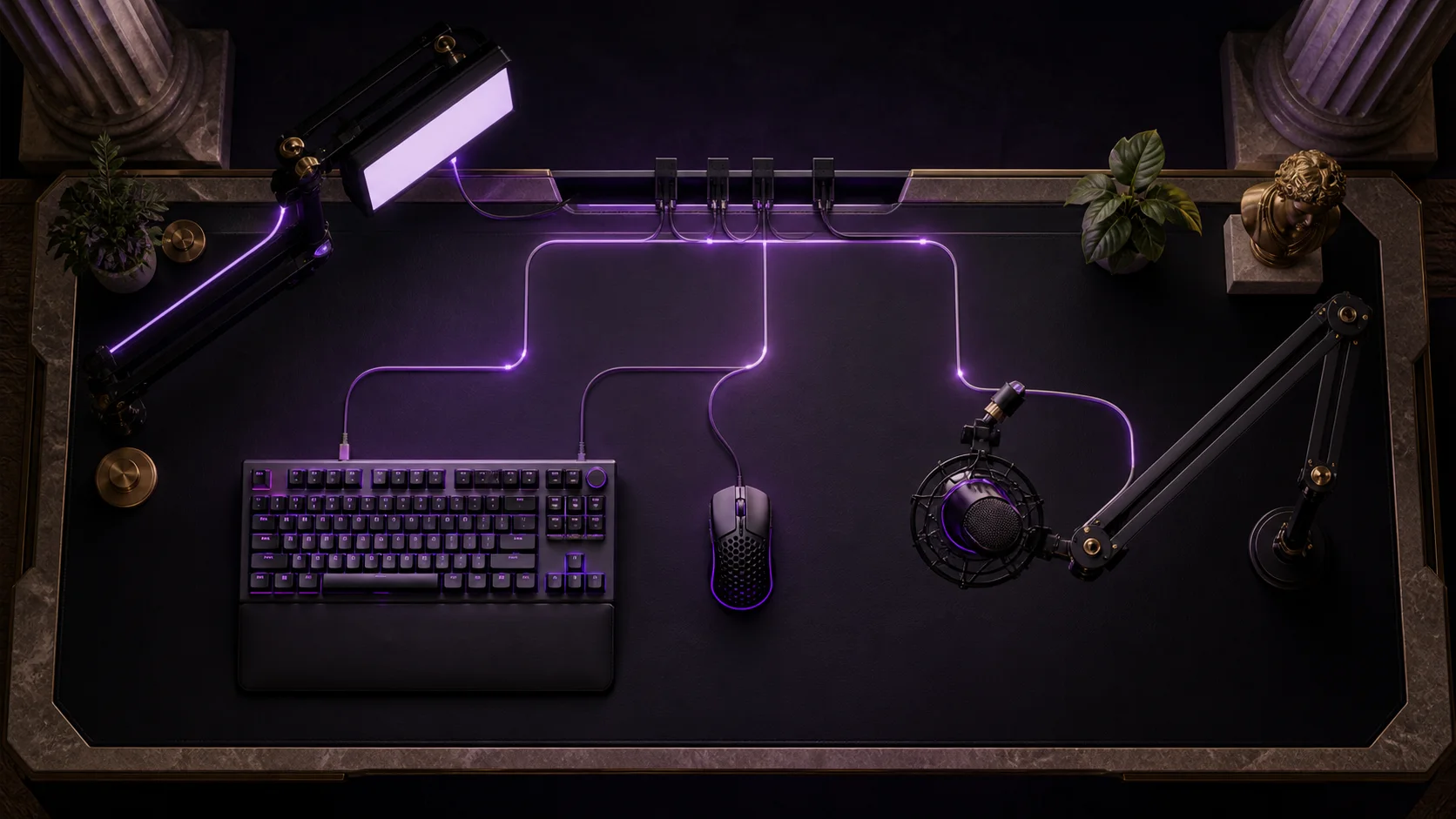
Tap a node to trace what it contributes. The cleanest setup starts with a deliberate path—from your first input to the last hidden cable.
03 / Desk upgrade missions
More Precision
For competitive play and fast editsCleaner Audio
For streams, podcasts, and callsBetter Lighting
For camera depth and room moodCleaner Cables
For a reset-ready desk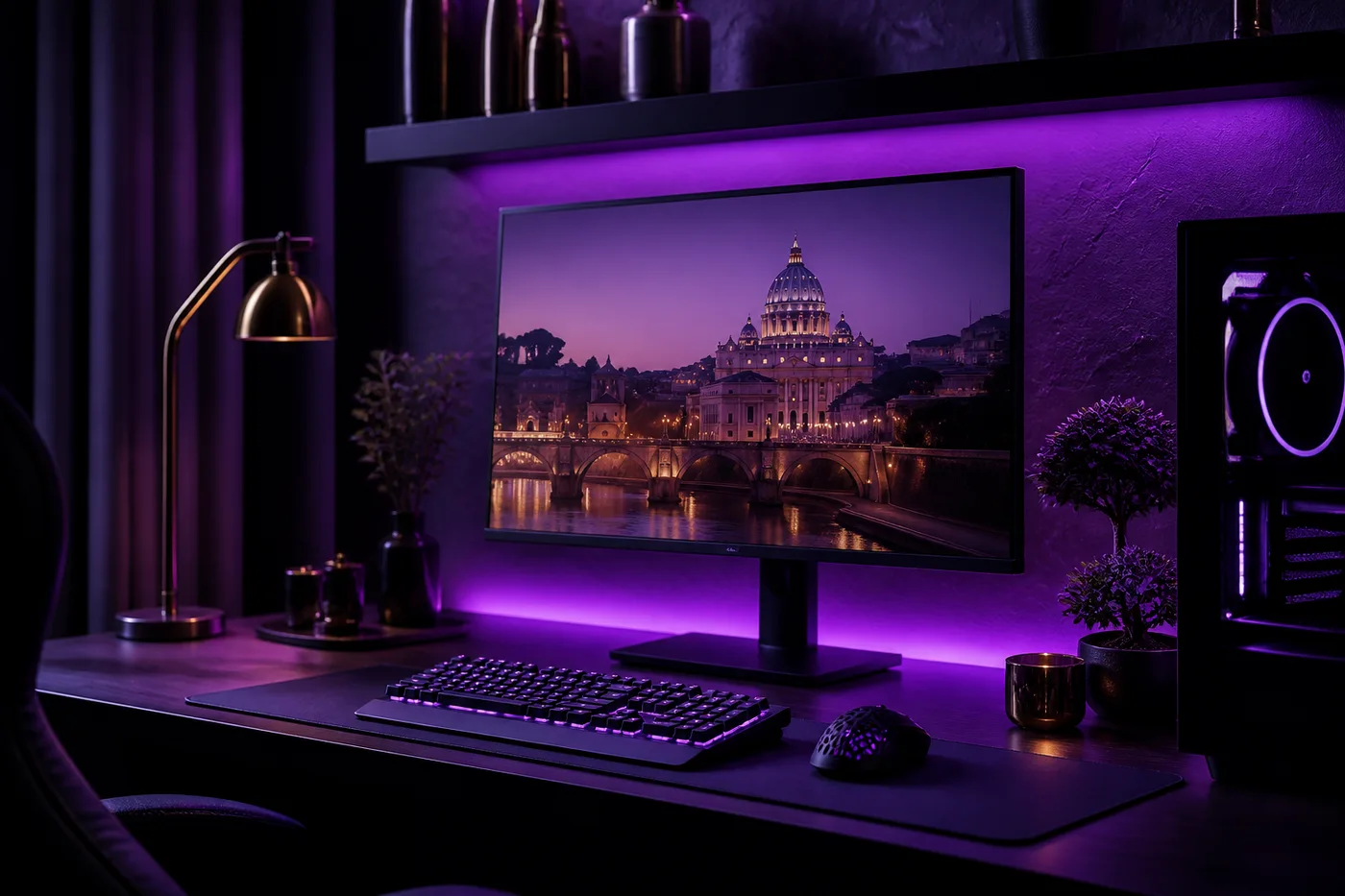 LIVE ROOM PREVIEW
04 / RGB mood mixer
Pick one dominant signal color. The room preview, interface glow, and recommendation update together.
Lucente 2 m LED Strip + violet keyboard profile
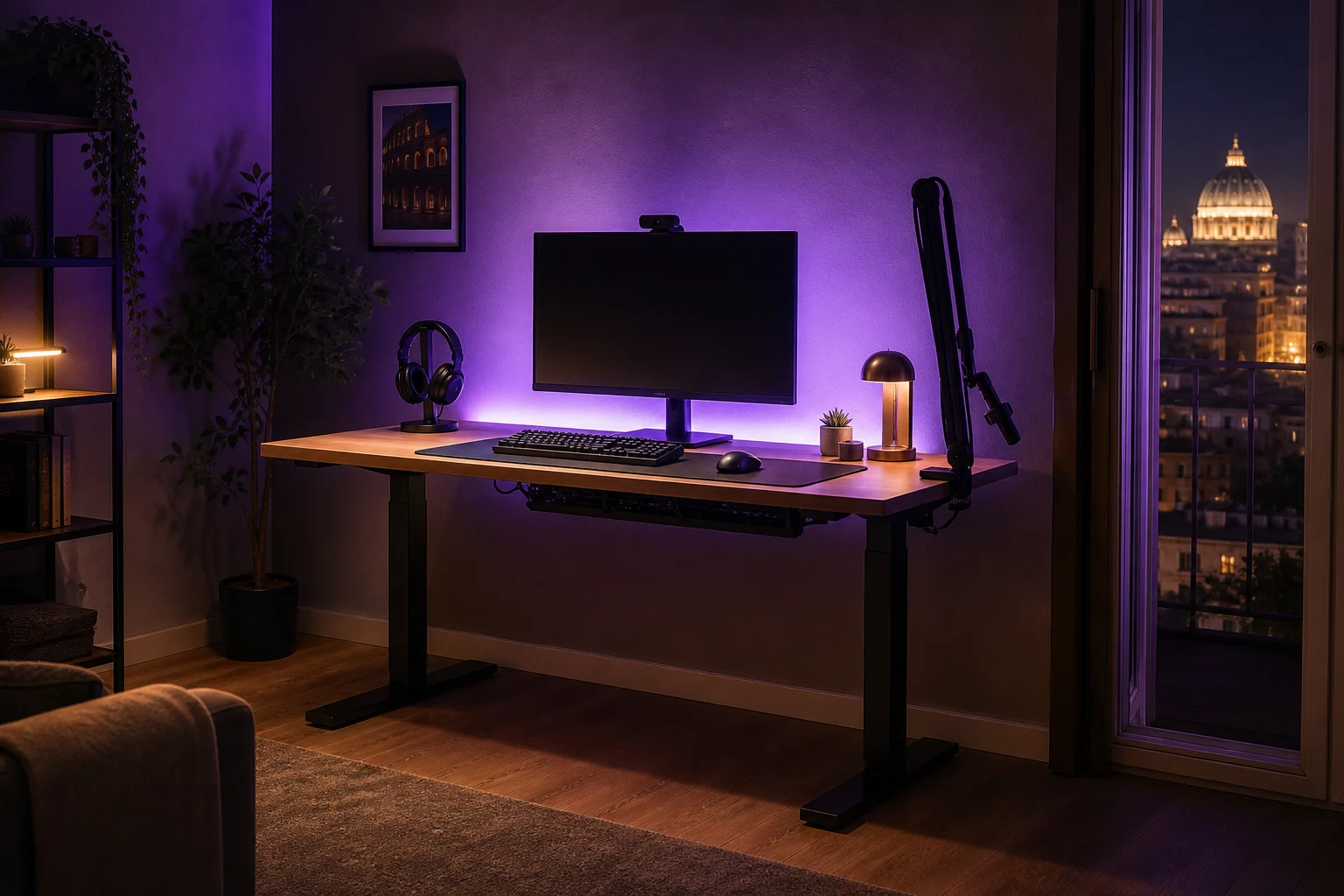 FIELD NOTE / 01
05 / Creator guide
A great creator desk is not the one with the most hardware. It is the one where every device has a reason, a reach zone, and a place to disappear when the session ends. Think in layers: controls first, moving equipment second, atmosphere last, with cable following a route beneath the surface.
Keep keyboard and mouse within the width of your shoulders, with enough mat remaining for full pointer movement. Place stream controls just beyond the keyboard rather than beside the mouse. This preserves the quickest area for the actions you repeat most.
A boom arm should bring the microphone close for clear speech, then park outside the camera frame. Clamp it near a rear corner so its joints travel above equipment instead of across your hands. Headphones belong on a stand or hook nearby.
Separate practical light from decorative RGB. A soft key light shapes your face; a concealed LED strip adds depth behind the screen. Choose one dominant colour and a restrained warm accent. Fewer hues look cleaner on camera and reduce visual noise.
Group computer, audio, and lighting leads before they leave the desktop. Guide each bundle toward one rear drop, then secure excess length beneath the surface. Leave a relaxed loop at moving boom arms and devices so adjustment never pulls a connector.
End every session by parking the microphone, hanging the headset, clearing the mat, and returning lighting to a simple preset. This two-minute reset prevents equipment from spreading across the room and makes the next stream faster to start in any compact Italian home.
06 / Creator setups
Not reviews—working room notes from Italian creators who built around the platform, desk, and schedule they actually have.
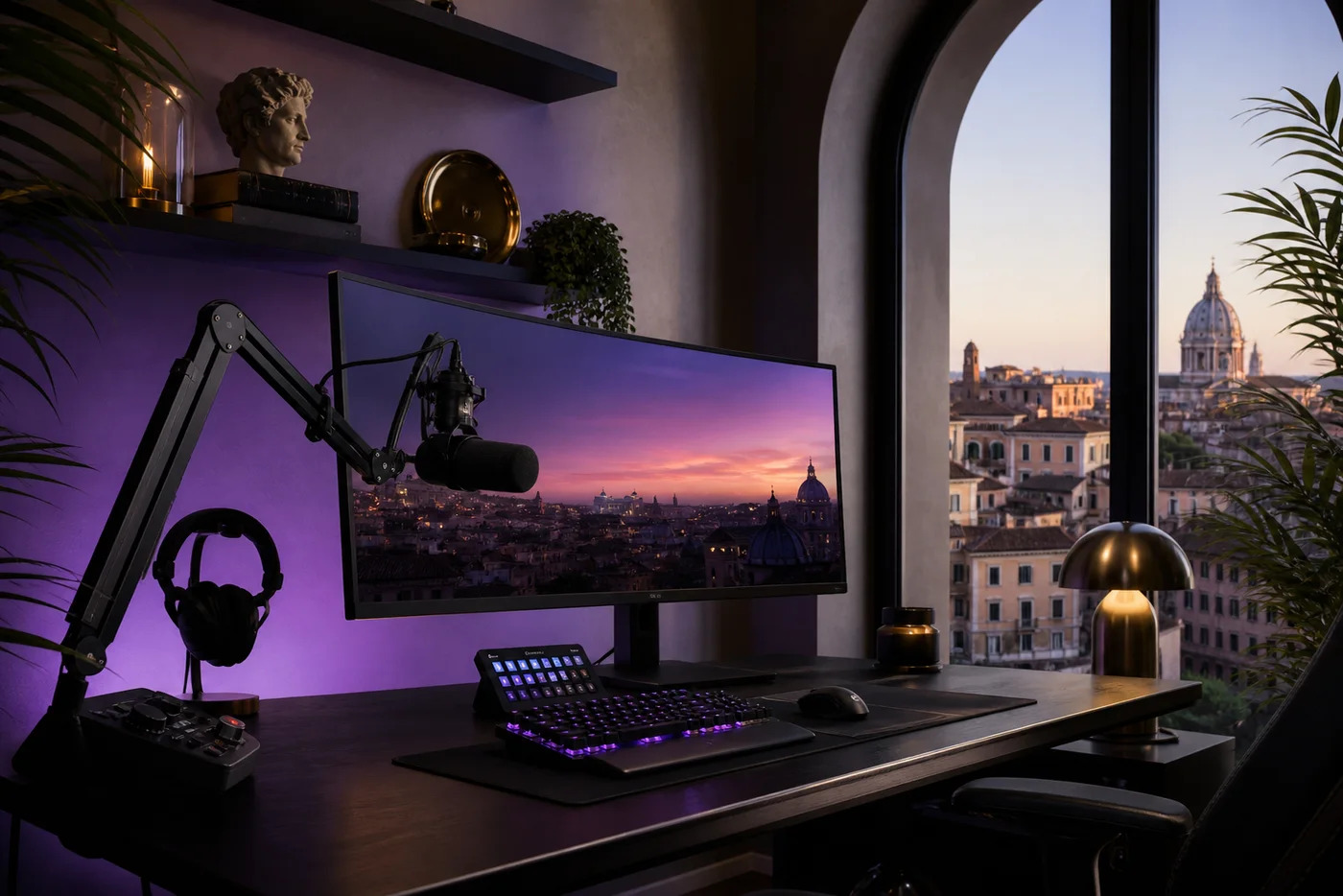 ROMA / IT
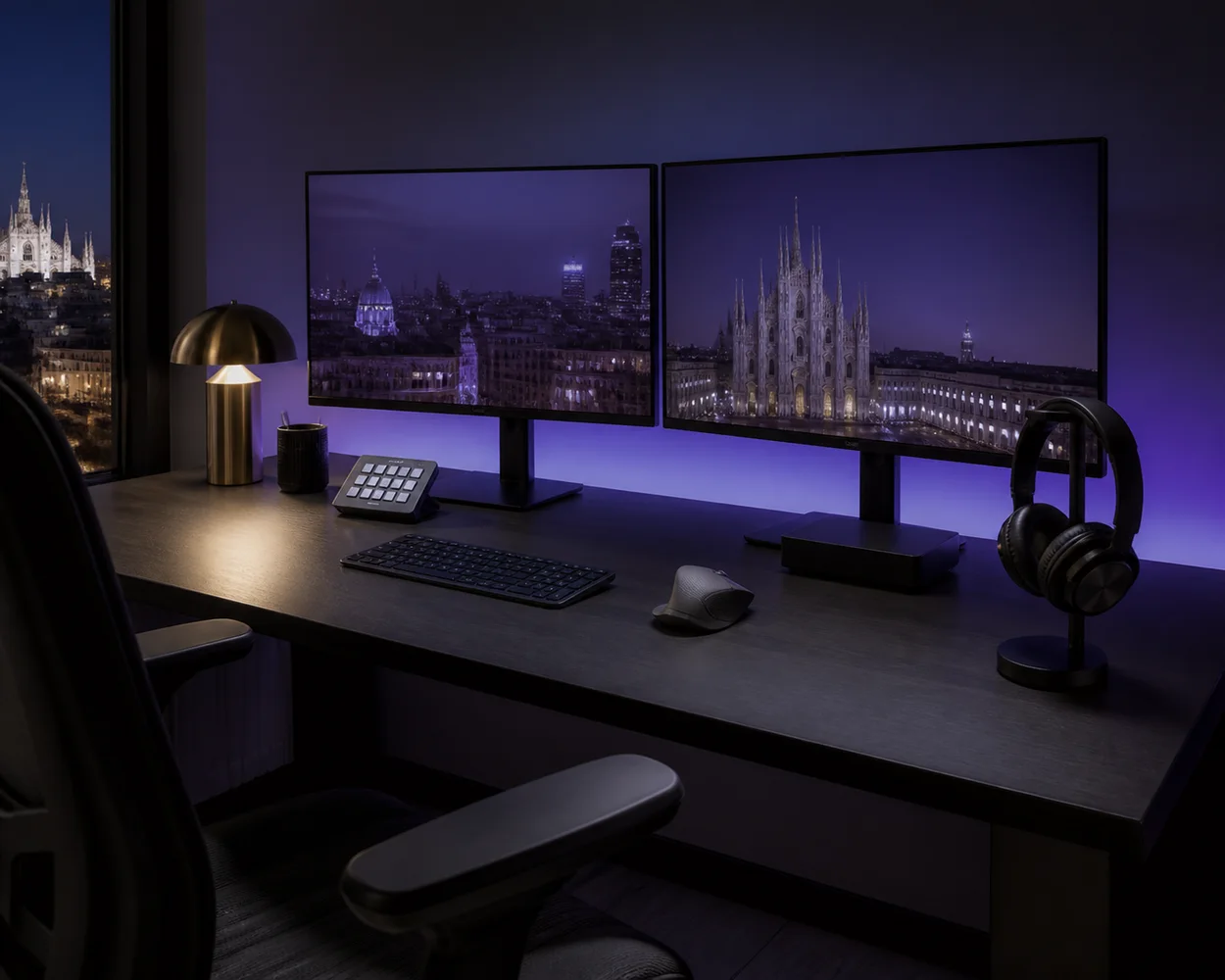 MILANO / IT
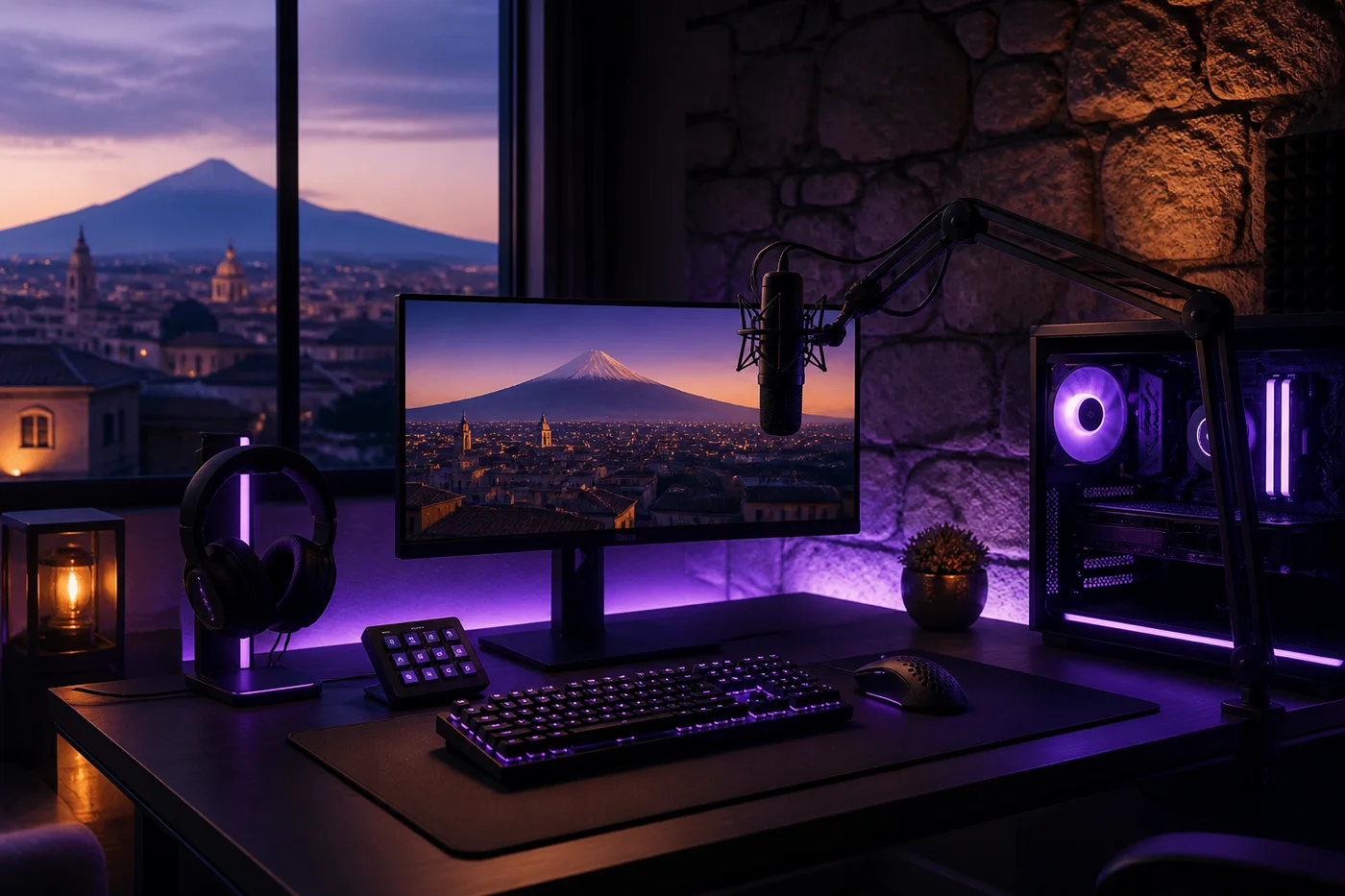 CATANIA / IT
Your next signal starts here.
Mission saved.